QuickBooks for Cleaning Businesses: Setup + Sync Guide
QuickBooks works for cleaning businesses when you set it up around services, not generic sales: a cleaning-specific chart of accounts, service items that mirror your price list, and a weekly export routine from your cleaning software. Done right, month-end close takes about 30 minutes instead of a full weekend.
 R Rashdi
·
July 2, 2026
·
11 MIN READ
R Rashdi
·
July 2, 2026
·
11 MIN READ

Quick answer
QuickBooks works for cleaning businesses when you set it up around services, not generic sales: a cleaning-specific chart of accounts, service items that mirror your price list, and a weekly export routine from your cleaning software. Done right, month-end close takes about 30 minutes instead of a full weekend.

Most owners use QuickBooks the way it ships: every payment lands in one “Sales” account, expenses get sorted in a panic each April, and nobody can say whether the commercial contracts actually make money. Setting up QuickBooks for a cleaning business properly takes about an hour, and it changes every report you run afterward.
For the full money stack, invoicing, payments, expenses, and payroll prep feeding QuickBooks, see our accounting software for cleaning business overview.
This guide gives you the exact chart of accounts, the service items that map to your price list, the real cost of double entry, and a month-end routine that closes your books in about 30 minutes. It also covers, honestly, how to move data from CleanerHQ into QuickBooks without retyping anything.
What QuickBooks should (and shouldn’t) do in your cleaning business
QuickBooks is your books. It is not your operations.
It won’t schedule a biweekly clean, track whether the crew actually showed up, or send the third payment reminder. That’s what cleaning business software is for. The businesses that get this split right run both tools and let each do one job:
| Task | Where it lives |
|---|---|
| Quoting, scheduling, dispatch, GPS time tracking, checklists | Cleaning software |
| Creating and sending invoices, payment reminders | Cleaning software (then recorded in QuickBooks) |
| Expense categorization, P&L, balance sheet, tax prep | QuickBooks |
| Payroll filings and withholding | Your payroll provider, fed by both |
Trying to run operations out of QuickBooks fails fast. Trying to do taxes out of a job-scheduling app fails worse. Keep the lanes separate and connect them with a routine, covered below.
QuickBooks setup for a cleaning business: the chart of accounts
The default QuickBooks chart of accounts is built for a generic small business. Yours should be built so that a 10-second glance at the P&L answers the questions that matter: what’s my labor percentage, what are supplies eating, and which service lines carry the business.
Here’s a chart of accounts you can copy directly. Add accounts in QuickBooks under Settings → Chart of Accounts → New.
Income accounts (4000s)
| # | Account | What goes here |
|---|---|---|
| 4000 | Recurring Residential Cleaning | Weekly, biweekly, and monthly house cleaning revenue |
| 4010 | One-Time & Deep Cleans | First-time cleans, deep cleans, spring cleans |
| 4020 | Move-In / Move-Out Cleaning | Turnover and end-of-lease jobs |
| 4030 | Commercial & Janitorial Contracts | Office and facility contract billing |
| 4040 | Specialty Services | Carpet, windows, post-construction, pressure washing |
| 4050 | Client-Billed Supplies | Consumables you bill through to commercial clients |
| 4900 | Discounts & Refunds | Contra-income: promos, refunds, credits |
Split income by service line, not by customer. The point is seeing that recurring residential ran 64% of revenue last quarter while one-time work shrank, that’s a strategy signal you can’t get from a single “Sales” account.
Cost of goods sold (5000s)
| # | Account | What goes here |
|---|---|---|
| 5000 | Field Labor, Wages | Gross wages for cleaners |
| 5010 | Field Labor, Taxes & Benefits | Employer payroll taxes, workers’ comp for field staff |
| 5020 | Subcontracted Labor | 1099 contractor payments (feeds your 1099 filings) |
| 5030 | Cleaning Supplies & Chemicals | Consumables used on jobs |
| 5040 | Small Equipment & Tools | Vacuums, mops, and gear below your capitalization threshold |
| 5050 | Vehicle & Travel, Field | Fuel and mileage reimbursements for job travel |
| 5060 | Uniforms & PPE | Gloves, masks, branded shirts |
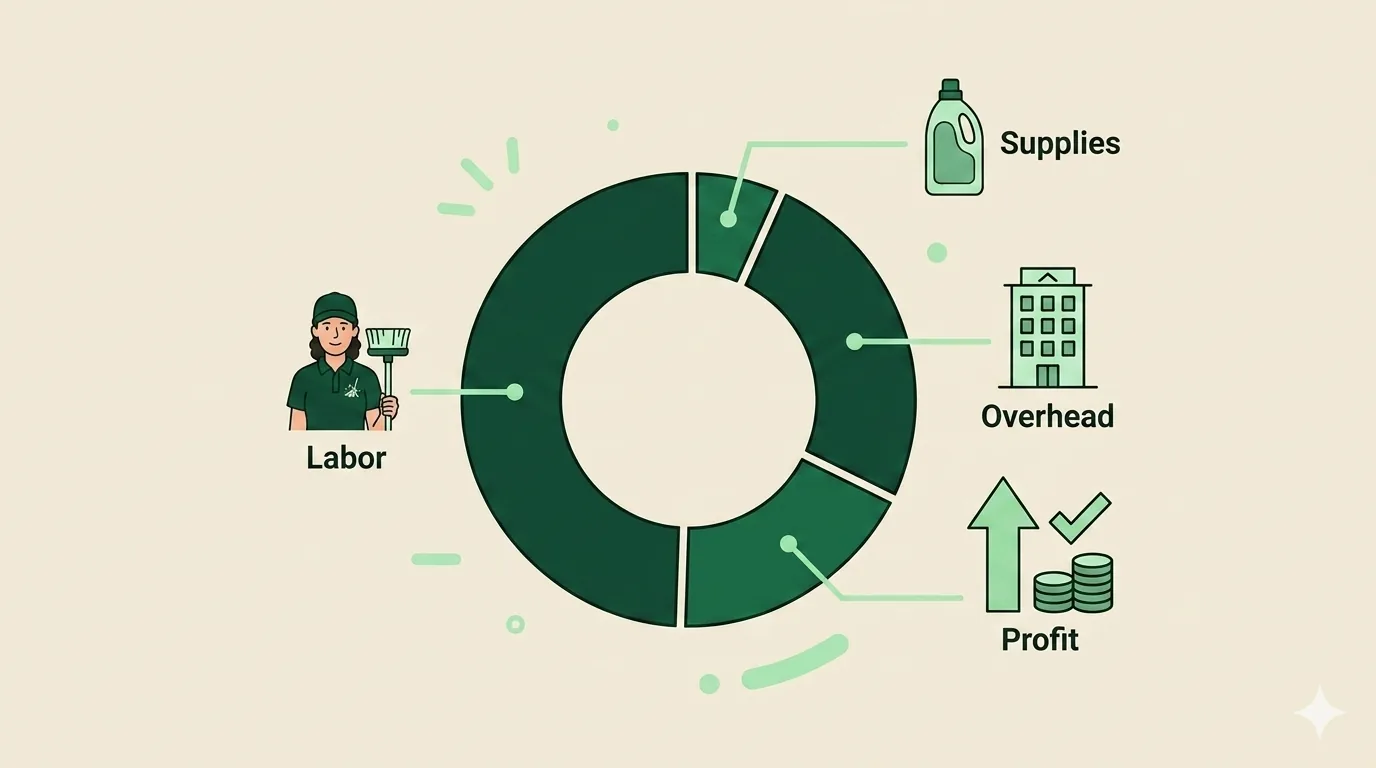
Putting field labor in COGS instead of overhead is the single most useful change on this list. It gives you a true gross margin per period, and veteran operators and cleaning-industry software benchmarks put healthy total labor at 40-50% of revenue, with supplies at 5-7% for established firms. If your books can’t produce those two percentages in one click, the chart of accounts is wrong.
Operating expenses (6000s)
| # | Account | What goes here |
|---|---|---|
| 6000 | Office & Owner Wages | Admin pay, your salary if on payroll |
| 6010 | Insurance & Bonding | General liability, bond, commercial auto |
| 6020 | Software Subscriptions | Cleaning software, accounting, phone systems |
| 6030 | Marketing & Advertising | Ads, local service listings, print |
| 6040 | Merchant Processing Fees | Card processing costs |
| 6050 | Phone & Internet | Business lines and data |
| 6060 | Licenses & Permits | Business licenses, registrations |
| 6070 | Professional Fees | Bookkeeper, accountant, legal |
| 6080 | Rent & Storage | Office, storage unit, warehouse space |
| 6090 | Training & Certifications | Courses, IICRC certs, safety training |
Two finishing touches. First, if you run both residential and commercial, turn on class or location tracking (available on the higher QuickBooks Online tiers) and tag every transaction with its segment. Second, resist the urge to create 80 accounts. Around 25-30 is the sweet spot, granular enough to act on, small enough to keep clean.
Items and services that map to your price list
The chart of accounts is the skeleton. QuickBooks Products and Services items are the connective tissue, every line on every invoice should be an item, and every item should point at the right income account.
Build one Service-type item per line on your price list:
| Your price list | QuickBooks item (Service type) | Income account |
|---|---|---|
| Recurring house cleaning (weekly/biweekly/monthly) | Recurring Clean, Residential | 4000 |
| First-time / deep clean | Deep Clean | 4010 |
| Move-out clean | Move-Out Clean | 4020 |
| Office janitorial contract | Janitorial Contract, Monthly | 4030 |
| Carpet cleaning add-on | Carpet Cleaning | 4040 |
| Window cleaning add-on | Window Cleaning | 4040 |
| Billed consumables | Client Supplies | 4050 |
Three rules that save hours later:
- Name items exactly as they appear on your quotes and invoices. When you import invoice data from your cleaning software, matching item names means QuickBooks files everything automatically instead of asking you 40 questions.
- Never invoice against a bare income account. Items are what make service-line reporting work.
- Set sales tax behavior per item. Whether cleaning services are taxable varies by state, confirm with your state department of revenue, then configure it once at the item level.
If your price list itself needs work before you map it, start with how residential pricing should be structured and build items to match.
The double-entry problem (and what it costs)
Here’s the trap most cleaning businesses fall into: jobs and invoices live in one system, books live in QuickBooks, and somebody, usually you, usually at night, retypes everything from one into the other.
Run the math on your own numbers. Say you send 120 invoices a month and retyping each into QuickBooks takes 3 minutes. That’s 6 hours. Recording the matching payments at 90 seconds each adds 3 more. Nine hours a month is 108 hours a year, at even $50/hour of owner time, that’s roughly $5,400 a year spent being a human copy machine.
The hours aren’t the worst part. Two other costs hide underneath:
- Error rate. Every manual keystroke is a chance to transpose a digit. A $470 invoice entered as $740 doesn’t just break reconciliation, it quietly corrupts the revenue numbers you price from.
- Stale books. When entry happens “when I get to it,” your P&L is always two or three weeks behind reality. You end up making pricing and hiring decisions on old data.
A consistent invoice structure helps, but the real fix is to stop typing the same data twice at all.
Moving data from CleanerHQ to QuickBooks
CleanerHQ runs the operational side, quotes, scheduling, automatic invoicing, payment reminders, and your financial data moves to QuickBooks on a schedule instead of by retyping. Here’s the honest picture of how that works today.
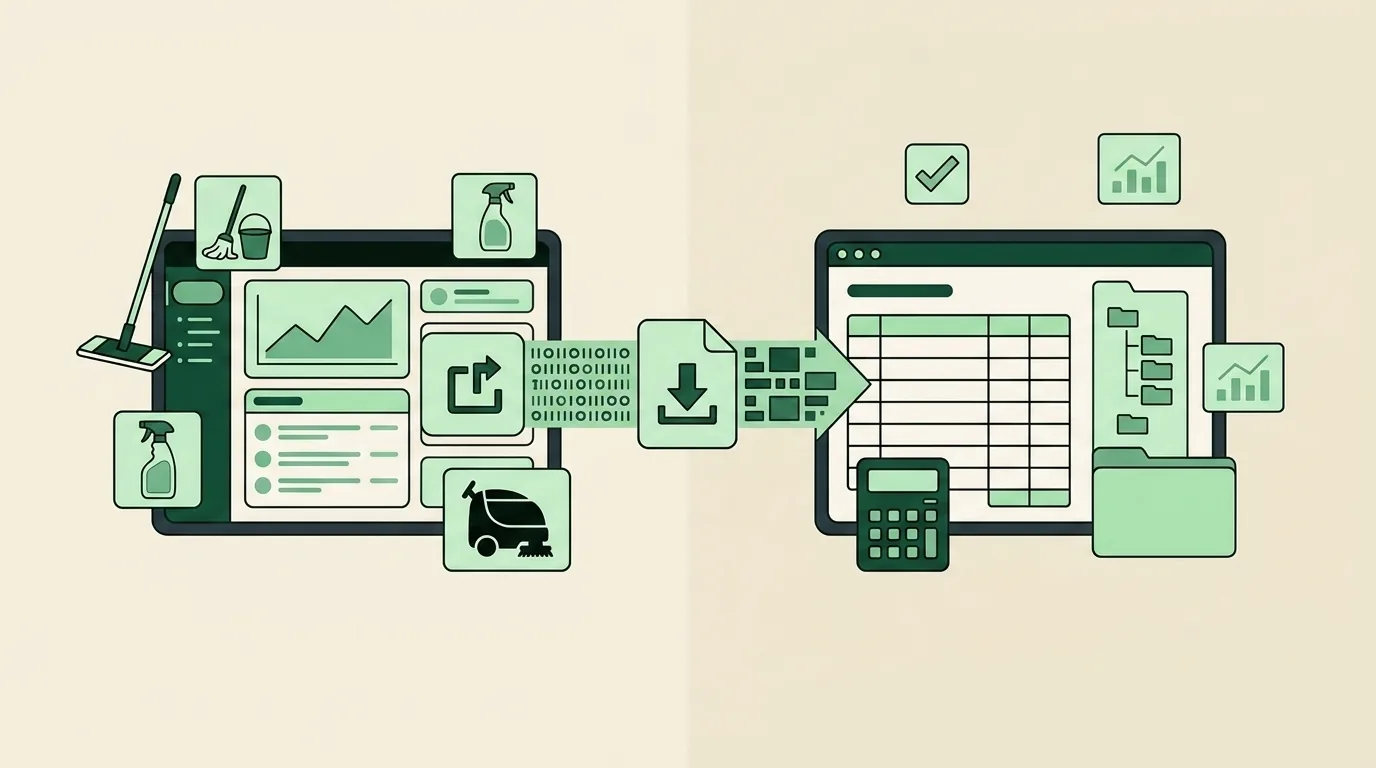
Exports, on a schedule. CleanerHQ exports your invoice details, payment records, and customer information as CSV/Excel files, and QuickBooks imports them directly, customer lists, invoices, and payments all have built-in import paths. Most cleaning businesses run this weekly or monthly. A weekly 10-minute export-import beats nightly retyping by a wide margin.
Payroll-ready exports. Crew pay calculated from verified clock-in data exports as payout batches in QuickBooks-ready formats (Gusto and ADP formats too), so hours flow to your payroll provider without rekeying timesheets.
Payments that reconcile themselves. Because CleanerHQ uses your own Stripe account for card payments, with no platform markup on processing, payouts land in your business bank account like any other deposit, and the QuickBooks bank feed picks them up for matching.
Optional automation. If you want data flowing without the export step, third-party connector tools (Zapier-style middleware) link cleaning software to QuickBooks automatically and typically cost $15-50 a month. Worth it once invoice volume makes even weekly exports feel slow.
What you should not expect, from us or anyone, is magic. Check any vendor’s current integration page before buying based on a sync promise, ours included.
Ready to kill the retyping? Start a free CleanerHQ trial (card needed to start the trial) and run your first export this week.
Month-end in 30 minutes
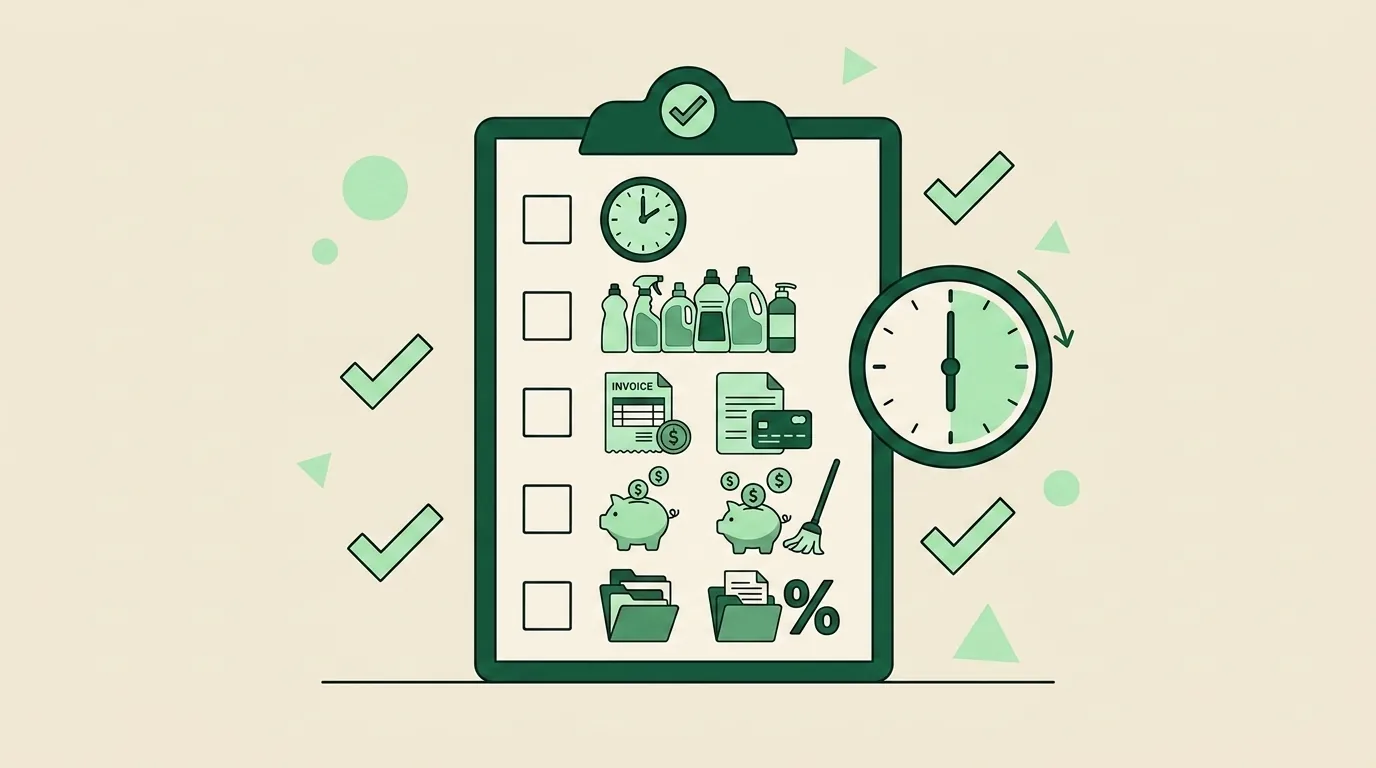
With the chart of accounts set, items mapped, and exports running weekly, closing the month stops being a weekend project. The routine:
- Final export and import (5 min). Pull the last week’s invoices and payments from your cleaning software into QuickBooks. Spot-check three invoices against the source.
- Reconcile the bank account (10 min). Match the bank feed, including card-processing payouts, against QuickBooks. Every unmatched transaction gets resolved now, not “later.”
- Categorize straggler expenses (5 min). Anything sitting uncategorized gets a home. If you’re guessing on the same expense every month, add an account or a bank rule.
- Run the P&L and check two numbers (5 min). Total labor (5000 + 5010 + 5020) as a percentage of revenue: healthy is 40-50%. Supplies (5030): 5-7% for established operations. Drifting outside those bands is your early warning, here’s what to do when margins slip.
- Review A/R aging (5 min). Anything past 14 days gets a follow-up today. Automated reminder cascades handle most of this before it reaches the report.
That’s the monthly close. Quarterly, add an hour to review estimated tax payments with your books current, paying quarterlies from accurate numbers beats the April scramble. And at year-end, clean books mean your accountant spends billable hours on deductions you’re entitled to, not on archaeology.
One honest caveat: 30 minutes assumes the weekly rhythm held all month. Skip three weeks of exports and month-end becomes a three-hour job again. The routine is the product.
Five QuickBooks mistakes cleaning businesses keep making
- One income account for everything. You can’t see which service lines carry the business. Split the 4000s as above.
- Field labor buried in overhead. Without labor in COGS, gross margin is fiction and the 40-50% benchmark is invisible.
- Personal spending in the business account. Every mixed transaction costs cleanup time and weakens your books if anyone ever audits them. Separate cards, no exceptions.
- Sloppy contractor tracking. Payments to 1099 cleaners belong in their own account (5020) with W-9s on file, and misclassification itself draws real IRS and state scrutiny in this industry. Know where the employee/contractor line actually sits.
- Skipping reconciliation. Unreconciled books aren’t books; they’re notes. Ten minutes a month keeps every other report trustworthy.
If you’d rather the operational side of this ran itself, invoices created from completed jobs, reminders sent automatically, payments matched to your bank feed, try CleanerHQ free, card needed to start the trial.
Frequently Asked Questions
Does CleanerHQ sync with QuickBooks?
CleanerHQ works alongside QuickBooks through scheduled exports: invoice details, payment records, and customer info export as CSV/Excel files that QuickBooks imports directly. Payroll batches export in QuickBooks-ready formats. Third-party connector tools (typically $15-50/month) can automate the flow. Check the CleanerHQ integrations page for current capabilities before relying on any specific sync feature.
What chart of accounts should a cleaning business use?
Use income accounts split by service line (recurring residential, one-time, move-out, commercial, specialty), cost-of-goods accounts for field labor, supplies, and job travel, and operating expense accounts for overhead. Around 25-30 accounts total. The test: your P&L should show labor as 40-50% of revenue and supplies at 5-7% in one click.
Can QuickBooks replace cleaning business software?
No. QuickBooks handles books and taxes, it doesn’t schedule recurring jobs, track GPS clock-ins, manage checklists, or send quote follow-ups. Most cleaning businesses past roughly $8-10K monthly revenue run both: cleaning software for operations, QuickBooks for accounting, connected by a weekly export routine instead of double entry.
How often should I move data from my cleaning software to QuickBooks?
Weekly is the sweet spot, about 10 minutes per export-import cycle, and your books stay close to real time. Monthly is the minimum; beyond that, month-end close balloons and errors hide longer. Businesses sending 100+ invoices a month should consider a $15-50/month connector tool to automate the transfer.
Should cleaning businesses use QuickBooks Online or Desktop?
QuickBooks Online suits most cleaning businesses: bank feeds, accountant access from anywhere, and phone-friendly receipt capture for owners who live in the field. Desktop still appears in older commercial operations, but new cleaning businesses almost always start Online. Compare current plans and pricing at quickbooks.intuit.com before committing, tiers and prices change regularly.

Written by
Rashdi has spent 15+ years building and managing enterprise software, and has worked with US cleaning businesses since 2006. He founded CleanerHQ.