
CleanerHQ · For cleaning businesses
Plan the stops your crew visits each week.
Plan recurring cleaning routes around the stops your crew needs to reach. CleanerHQ’s route area gives you a place to review weekly route templates by day.
- Group stops by day
- Review weekly routes
- Allow time between jobs
CleanerHQ launches November 8, 2026. See prices and trial terms.
See it in CleanerHQ
Plan a recurring route around the whole day
A route is the order of stops, not only a set of job times. Start with the addresses and the days clients expect a visit.
Keep nearby stops together when you can. A tight plan can still fail if it leaves no time to park, get inside, or drive to the next site.
Review routes by weekday
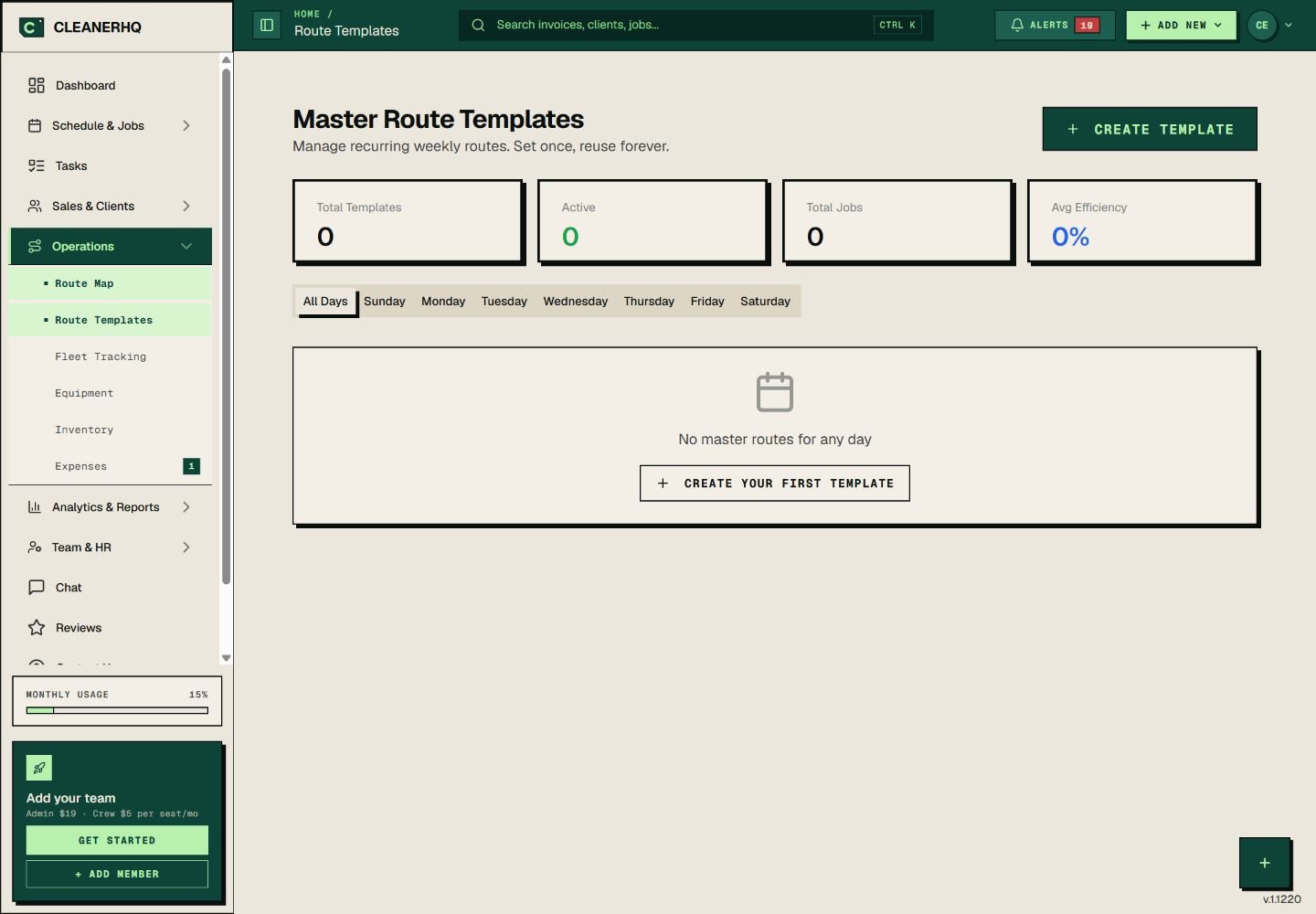
Each weekday has its own tab in the route template view. The screen also lists template, route, and job counts.
Start with one day. Check the stops that belong there, then move on to the next day when the plan fits. The screenshot shows an account with no saved routes.
Check the day when plans change
One moved job can change the whole afternoon. Check the gaps on both sides when a client asks for a new time.
The shortest drive may not be the best plan. A locked gate, a client’s time window, or a crew break can affect the order of stops.
Keep routes and repeat visits distinct
Use repeat job records to follow a client’s series of visits. Use the schedule for the time and crew on each job.
A route plan adds the order of stops. Review all three before you confirm a busy day.
Questions about this feature
What is the difference between a route and a repeat job?
A repeat job follows visits for one client. A route puts several stops in order for a crew on a given day.
Does this page promise a fixed saving in drive time?
No. Travel depends on the addresses, job times, traffic, and the crew’s day. Check your own route before you commit to a time.
See the related steps
- Recurring Cleaning Jobs and Visits →
- Cleaning Business Scheduling Software →
- Cleaning Team Management Software →
See how the steps fit together in CleanerHQ’s cleaning business software.
Bring one job to a demo