
CleanerHQ · For cleaning businesses
Keep track of who sent a new client.
A cleaning referral program needs clear rules and a record of who referred whom. Use CleanerHQ’s client records and notes to keep the details with the people involved.
- Record the referrer
- Write clear reward rules
- Check the first job
CleanerHQ launches November 8, 2026. See prices and trial terms.
See it in CleanerHQ
Set the rules before you offer a reward
Decide who gets a reward and what must happen first. State the amount, the deadline, and any limits in plain words.
For example: “We will send your reward after your friend’s first paid clean.” Choose an amount that fits your own costs. This is an example, not a CleanerHQ reward offer.
Add a cleaning referral note
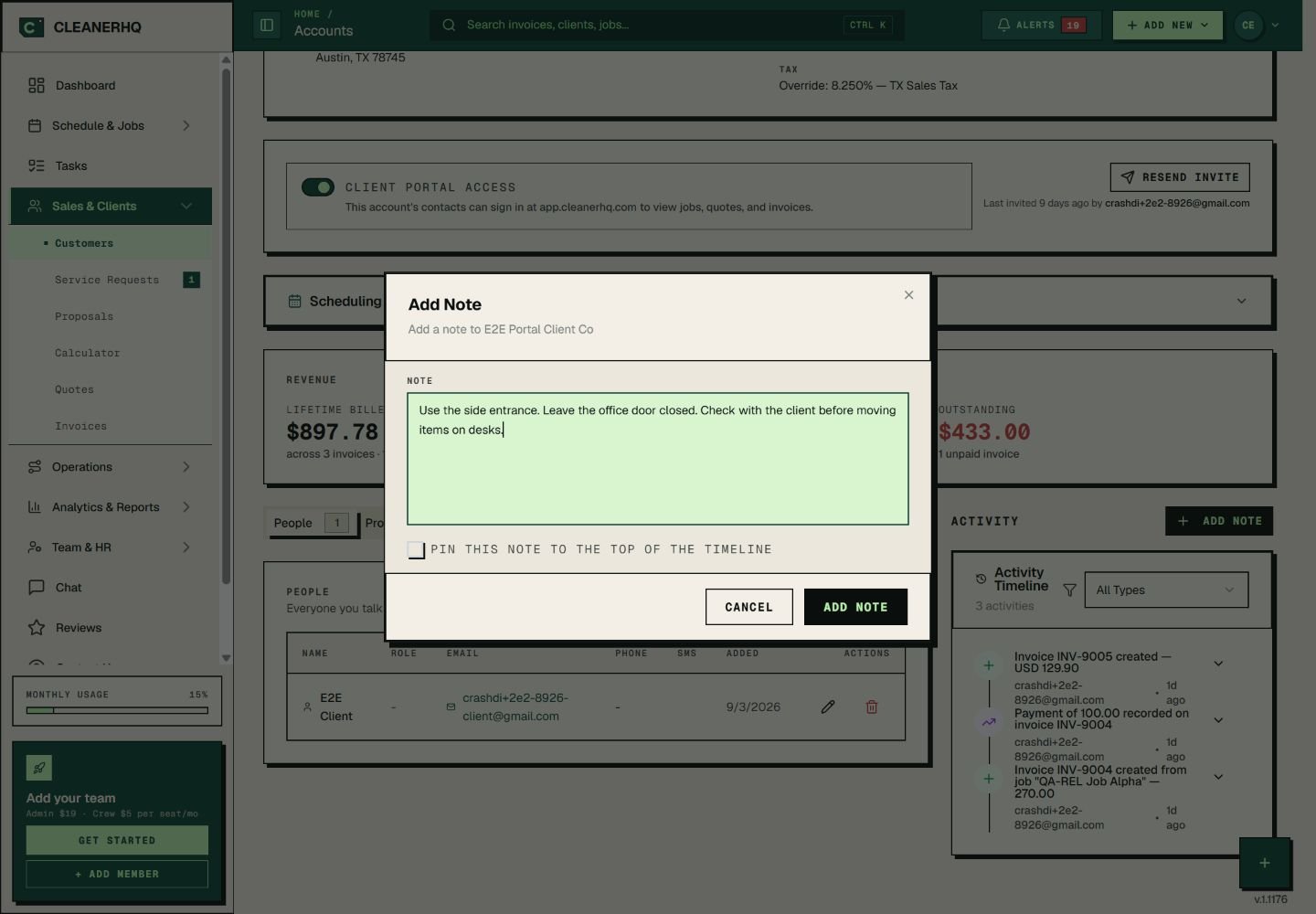
When a new client tells you who sent them, record the name and date in their client notes. Add the reward you agreed and the next step.
Use a clear format: “Referred by: [name]. Reward agreed: [amount]. Due after: [event].” Your office can then check the record instead of relying on memory.
Check the work and payment
Open the new client’s jobs and bills to check the event tied to the reward. If your rule says the first job must be paid, check the payment before giving the reward.
Record when you issue it. These steps use client records and staff review; they do not promise automatic referral credits.
Keep the offer simple
A short offer is easier to explain and keep. Tell the client how to refer a friend and when a reward is due.
Review the notes now and then. Count the new clients and rewards so you can see whether the offer is worth keeping.
Questions about this feature
Does this guide promise automatic referral rewards?
No. It shows a way to track referrals with client notes, linked jobs, and bills. Your team checks the rules and handles the reward.
Where should I keep the referral details?
Put them in the new client’s notes. Include the referrer, agreed reward, and the event that makes it due. Add a note when the reward is issued.
See the related steps
- Client Management for Cleaning Businesses →
- Client Notes for Your Cleaning Team →
- Cleaning Job Profit Reports and Costs →
- Client Portal for Cleaning Businesses →
See how the steps fit together in CleanerHQ’s cleaning business software.
Bring one job to a demo