
CleanerHQ · For cleaning businesses
Keep each client’s work in one place.
CleanerHQ gives cleaning businesses one place for client details, quotes, jobs, and bills. Open the client record when you need to see what happened or what comes next.
- Find client details
- Follow quotes and jobs
- See bills and notes
CleanerHQ launches October 1, 2026. See prices and trial terms.
See it in CleanerHQ
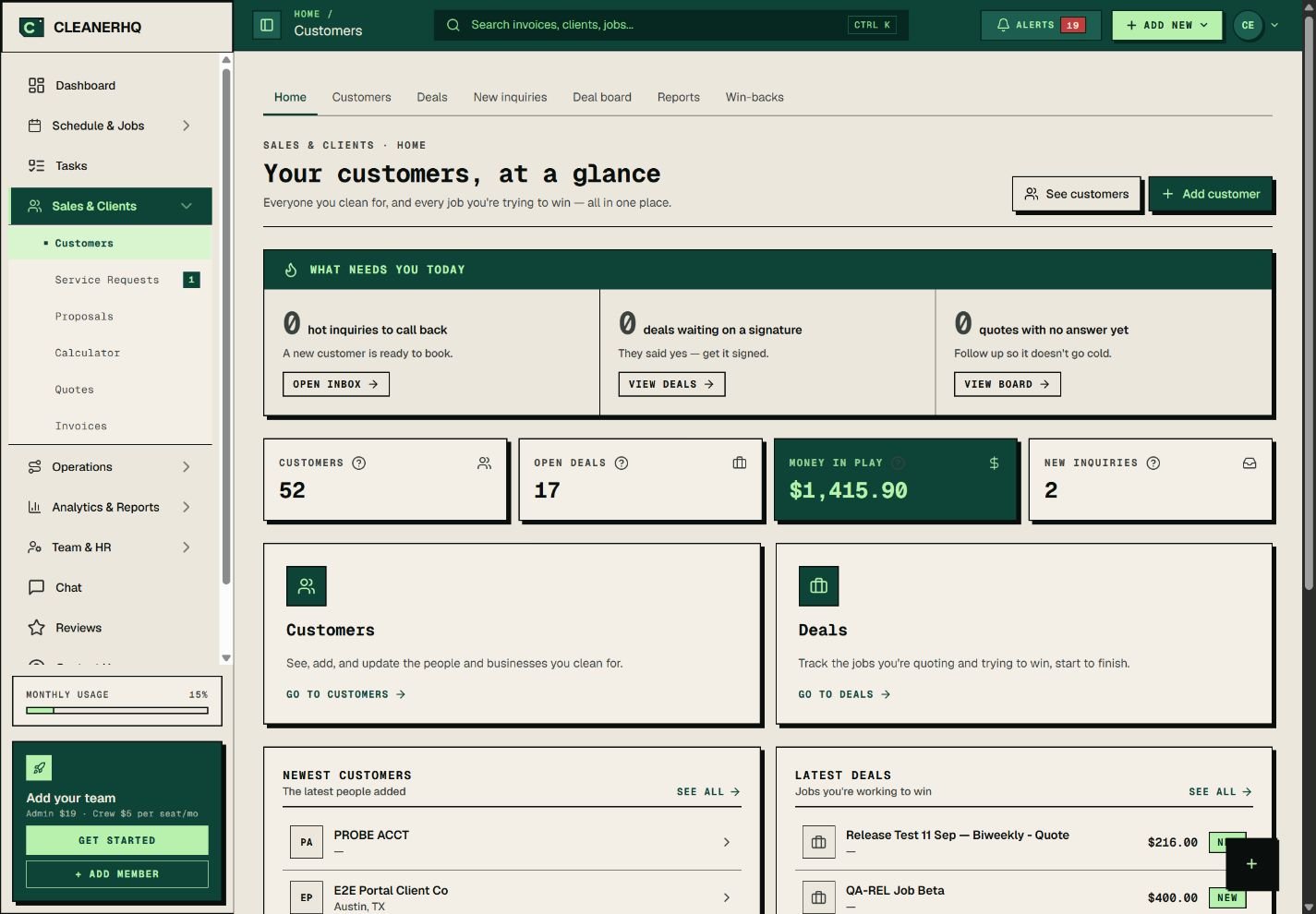
Client management that starts with the record
A client may have several contacts, sites, and jobs. Keep that work under the same client so a name in a phone book is not all you have.
The client page has tabs for people, properties, deals, quotes, jobs, bills, and tasks.
See the bill while you answer the call
Open the client record to check billed, paid, and unpaid amounts. Then open the bill itself to see the detail.
This gives your office a place to start when a client asks what they owe. It also helps you avoid chasing a bill without checking its status.
Leave a note for the next person
Add a note to the client’s activity list. You can pin a key note at the top so it is easier to find.
Keep the note short and clear. “Use the side gate” is more useful than “See old messages.” Read more about client notes.
Give clients their own access
The client record includes a portal access switch. Invited contacts can sign in to view their jobs, quotes, and bills.
Use the right contact details before you invite someone. See how client access fits into the job.
Questions about this feature
Can one client have more than one contact?
Yes. The client record has a People tab for its contacts, plus a separate tab for properties.
Does this page show a real customer account?
The screenshot is from the real CleanerHQ app with demo data. It shows the owner’s client overview.
See the related steps
- Client Notes for Your Cleaning Team →
- Client Portal for Cleaning Businesses →
- Cleaning Business Scheduling Software →
- Plan a Cleaning Referral Program →
See how the steps fit together in CleanerHQ’s cleaning business software.
Bring one job to a demo