No-shows and last-minute cancellations can really mess up business operations. They lead to lost revenue, chaos in the schedule, and a frustrated team.
Missed appointments create gaps that are tough to fill at the last minute. Wasted resources and lower efficiency follow.
Studies reveal that businesses across the board lose a lot of money each year to no-shows. Some places see rates as high as 20-30%.
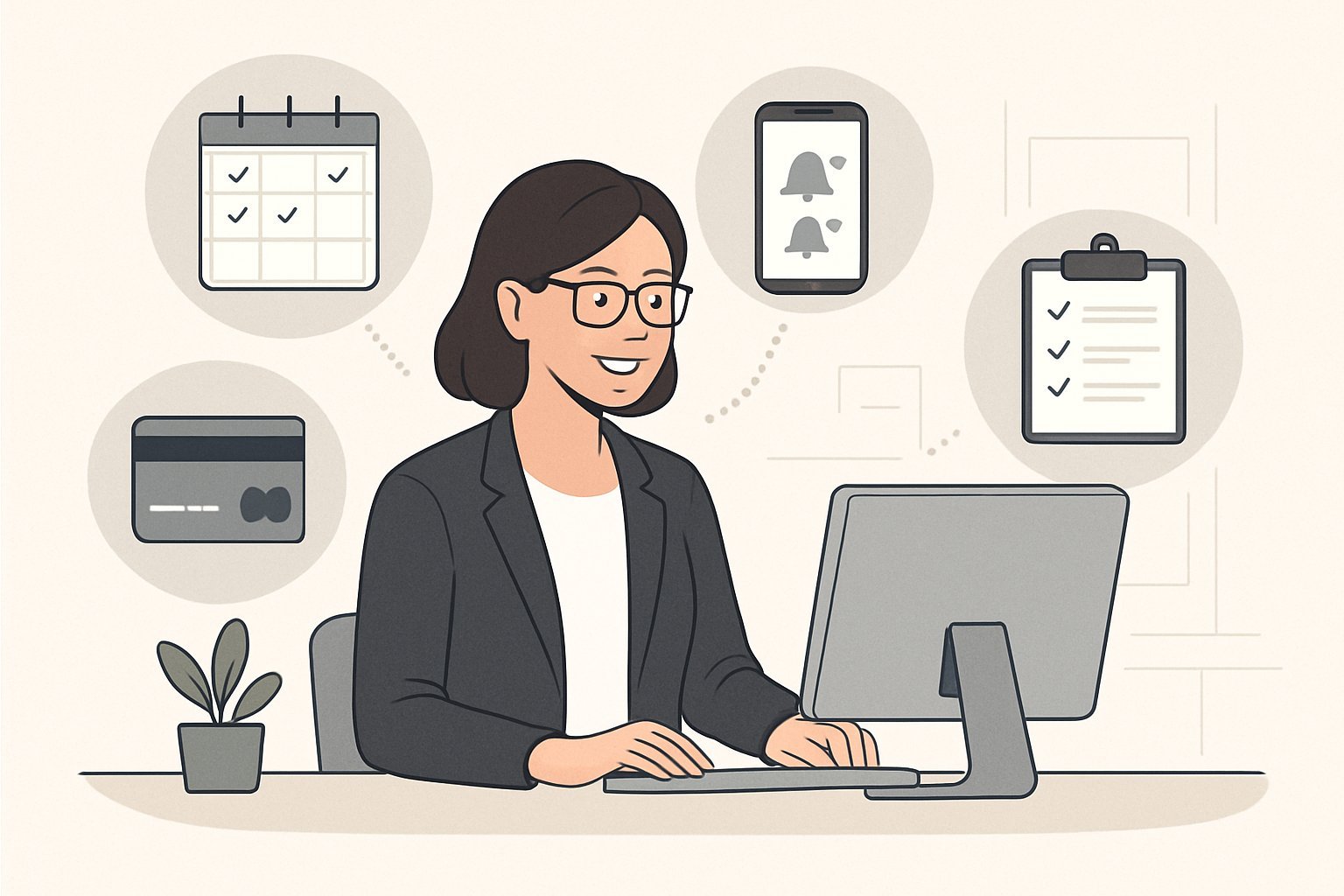
The best way to cut down on no-shows? Combine automated reminders, clear cancellation policies (with fees that make sense), scheduling buffers, and a proactive waitlist. Technology really pulls its weight here, making it easier to keep appointments on clients’ minds and giving them simple ways to reschedule if plans change.
Most successful businesses layer their defenses instead of relying on just one trick. Deposits, smart overbooking, and fast waitlist management all work together to keep the calendar full and money coming in.
Key Takeaways
- Automated reminders through several channels (not just one) help people remember and reschedule easily.
- Deposit policies and cancellation fees add financial accountability while clear rules set the right expectations.
- Waitlists and schedule buffers let you fill gaps quickly and keep operations running smoothly when cancellations pop up.
Understanding No-Shows and Last-Minute Cancellations
No-shows and last-minute cancellations happen for all kinds of reasons. Sometimes it’s emergencies, sometimes it’s just sloppy booking habits.
These disruptions bring instant financial loss. The ripple effects can throw off the whole business.
Types and Causes of Missed Appointments
No-shows are when customers just don’t show up and don’t call. Last-minute cancellations usually happen within 24-48 hours of the scheduled time.
Some common causes:
- Personal emergencies like illness or family issues
- Work conflicts that pop up
- Double booking—people schedule a few options and pick one later
- Price shopping for better deals elsewhere
- Travel disruptions
- Just plain forgetting
Flexible booking policies sometimes make people too casual about their reservations. Some customers book multiple spots, knowing they can cancel with no penalty.
Weather and seasons play a role too. Winter often brings more no-shows—think illness and travel problems.
Impact on Revenue and Workflow
No-shows mean empty slots and lost money. You lose not just the appointment fee, but also the time and supplies you already put in.
Here’s what that looks like:
- Lost fees
- Staff standing around with nothing to do
- Supplies wasted
- Productivity targets missed
Staff prepare for appointments that never happen. That leaves awkward gaps that aren’t easy to fill on short notice.
You can’t get that time back. Unlike products, you can’t store or resell an empty appointment slot.
Other customers feel the impact too. When no-shows block efficient scheduling, everyone gets fewer options.
Patterns and Risk Factors
Certain patterns make no-shows more likely. New customers bail more often than regulars. Free consultations? Those get canceled a lot.
Risk factors:
- Bookings made way in advance
- Appointments during holidays
- Evening or weekend slots
- Customers with a history of canceling
- Third-party booking platforms
Direct bookings are usually more reliable than aggregator sites. Time of day matters too; early mornings see more no-shows—maybe folks just oversleep.
Seasons matter. Healthcare sees more no-shows during flu season. Beauty businesses get hit before big holidays.
Automated Reminder Systems and Appointment Confirmations
Automated reminder systems can cut no-shows by up to 90%. The trick is using the right mix of channels, timing, and personal touches.
Multi-Channel Reminders: SMS, Email, and Voice
Text reminders work best. People check their phones constantly, so SMS gets seen fast.
Email reminders give more detail—directions, instructions, whatever else is needed. They’re a good backup and a permanent record.
Voice calls still matter for some folks, especially older clients or those who don’t text much.
The sweet spot? Use all three. Start with email for the details, follow up with a text for urgency, and use voice calls if someone doesn’t respond.
Letting patients pick their preferred reminder method helps a lot. When people get reminders the way they want, they’re more likely to respond.
Optimal Timing and Frequency of Reminders
The best reminder sequence starts with a message 72 hours before the appointment. That gives people time to reschedule if something comes up.
Send another reminder 24 hours in advance, asking for confirmation. It’s a good time to say, “Reply YES to confirm or call to reschedule.”
A same-day reminder, maybe 2-4 hours before, catches last-minute changes. It also helps people mentally prep for their appointment.
For appointments booked way in advance, throw in a one-week reminder. People forget, especially over longer stretches.
Don’t overdo it—four reminders max. Too many, and people start tuning them out.
Test what works for your clients. Some places get better results with a 48-hour reminder instead of 72. It’s a bit of trial and error.
Personalizing Messaging for Higher Engagement
Personalized reminders always work better. Use the client’s name, the exact time, and the provider’s name.
Mention the specific service, not just “appointment.” Say “annual physical with Dr. Smith” or “consultation for knee pain.” It helps people remember why they booked.
Match the tone to the appointment. Keep it friendly for routine stuff, but be more serious for urgent care.
Add prep instructions if needed—like fasting, documents to bring, or when to arrive. That way, people show up ready.
If someone has a history of missing appointments, flag them for extra reminders or a quick call.
Consider language and cultural preferences. Offer reminders in multiple languages if that’s what your clients need.
Deposit Policies and Cancellation Fees
Deposits and cancellation fees make people think twice before skipping out. Clear rules and good communication protect your bottom line and keep customers on your side.
Implementing Deposits and Prepayments
Deposits help people commit. Some businesses use a percentage of the total cost, others set a flat rate.
Percentage deposits (25-50%) work for pricier services. Flat rates ($25-$100) are good for standard pricing.
Full prepayment is great for high-demand times or premium services. It does cut down on no-shows, but it might also scare off some bookings.
Collect deposits right when people book. The sooner you take payment, the more likely they’ll show up.
Make sure your payment process feels secure. People want to trust you with their money.
Cancellation and No-Show Fee Structures
Good cancellation policies balance your needs with the customer’s. Most businesses use a tiered approach—fees go up the closer it gets to the appointment.
Typical windows:
- 48-72 hours: No penalty
- 24-48 hours: Lose half the deposit
- Under 24 hours: Lose the whole deposit
- No-show: Lose the whole deposit plus a fee
A grace period (15-30 minutes) for true emergencies shows you care, but still protects your time.
No-show fees should match your real costs. Usually $20-$50 per person, but more for premium services.
You can offer credits or partial refunds for real emergencies if you want to keep things friendly.
Communicating Policies Effectively
Clear communication is everything. Tell people about your policies at every step.
When to mention policies:
- During booking
- In confirmation emails
- 24-48 hours before the appointment
- On your website’s FAQ
Keep your wording simple. Skip the legalese. Use bullet points, bold text, or tables to highlight the important stuff.
Get clients to acknowledge the policy, maybe with a checkbox.
Reminders should repeat the cancellation deadlines and fees. That way, no one can say they didn’t know.
Train your staff so they can explain the policies and handle exceptions when it makes sense.
Flexible and Buffer-Oriented Scheduling
Flexible scheduling gives patients more control, and buffers help you recover when things go sideways. Smart scheduling means fewer no-shows and less stress for everyone.
Online Self-Scheduling and Rescheduling
Online booking systems let people schedule or change appointments anytime. That cuts down on phone calls and lets clients pick what works for them.
Self-scheduling cuts no-shows because:
- People can see all open slots
- They can reschedule easily
- They get instant confirmation
Most software now offers patient portals with these features. Clients can log in and reschedule without calling.
Features to look for:
- Real-time updates
- Easy rescheduling up to 24 hours before
- Automatic confirmations
Practices with online booking often see 15-20% fewer no-shows. Clients like having control.
Make sure your system syncs instantly with your main calendar. That avoids double-booking and keeps everyone on the same page.
Utilizing Scheduling Buffers to Prevent Overlaps
Scheduling buffers are short gaps you build into the calendar. They help when appointments run long or someone shows up late.
Buffer strategies:
- 10-15 minute gaps between certain types of appointments
- Longer breaks after complicated procedures
- Catch-up time mid-morning and mid-afternoon
Buffers let you absorb delays without wrecking the whole day’s schedule.
Best spots for buffers:
- Between new patient visits
- After appointments that often go long
- Before important or urgent appointments
Good scheduling software can add buffers automatically based on appointment type.
Buffers also give your team time to prep rooms or review notes. That improves care and keeps stress levels down.
Double-Booking Strategies for High-Risk Time Slots
Double-booking means scheduling two patients for the same time slot. It’s a strategy that works best during periods with a lot of no-shows.
Safe double-booking practices:
- Only try it during times with historically high no-show rates.
- Pick appointment types that are flexible.
- Always have a backup plan in case both patients show up.
Monday mornings and Friday afternoons? Those slots often have more no-shows. They’re good candidates for careful double-booking.
Requirements for successful double-booking:
- Track no-show patterns by day and time.
- Train staff on how to handle it when both patients arrive.
- Keep some nearby appointment slots open as a backup.
The practice should figure out which patients are most likely to no-show. New patients and people with a history of missing appointments are usually higher risk.
Double-booking works best when you pair it with strong reminder systems. That way, at least one patient is more likely to keep the appointment.
Staff need clear protocols for when both patients show up. Maybe see one quickly, or move one to another nearby slot.
Waitlists and Strategies to Fill Scheduling Gaps
Waitlists are a powerful way to fill empty slots after cancellations. The trick is having systems that quickly connect open appointments with people who actually want them.
Setting Up and Maintaining Waitlists
A good waitlist system grabs basic client info and their preferred times. At minimum, staff should collect names, phone numbers, and email addresses.
Digital waitlist tools beat paper lists every time. They send automatic alerts when a spot opens up. Most modern scheduling software includes waitlist features.
Businesses should ask clients about their flexibility before adding them to a waitlist. Some people can come with only 30 minutes’ notice, while others need a full day.
Keep waitlists organized by:
- Time preferences (morning, afternoon, evening)
- Service type needed
- Advance notice required
- Date ranges available
Remove people from the waitlist after they book. Also, take off clients who don’t respond to several offers. That way, the list stays clean and useful.
Communicating Availability to Waitlisted Clients
Fast communication fills gaps quickly. Text messages are best for last-minute openings since most people see them right away.
Send time-sensitive messages that create a little urgency. Include the exact appointment time and a deadline to respond. For example: “Opening tomorrow at 2 PM. Reply YES by 5 PM today to book.”
Try multiple contact methods for important openings. Start with texts, then call if you don’t get a response within an hour.
Real-time notification systems can reach several waitlisted clients at once. Whoever responds first gets the slot. No more waiting around, calling people one by one.
Set clear rules about response times. Clients should know they have limited time to claim open appointments. This keeps things moving and reduces no-shows.
Communication and Relationship Building to Reduce Schedule Disruptions
Strong client relationships and consistent communication build accountability. That’s what really cuts down on no-shows and cancellations.
Regular outreach, clear education about attendance, and smart loyalty programs all help clients commit and keep the schedule running smoothly.
Proactive Outreach and Follow-Ups
Proactive communication keeps clients engaged—way beyond just sending reminders. Businesses should set up regular touchpoints that show genuine care.
Follow-up calls after missed appointments show concern, not frustration. Staff should call within 24-48 hours to find out what happened and offer a quick way to reschedule.
Pre-appointment education calls are great for new clients or complex services. These calls confirm details, explain what to expect, and help address any worries.
Seasonal check-ins help maintain relationships during long gaps. A simple text or email asking how a client’s doing goes a long way and keeps your business in their mind.
Post-service follow-ups show you care about client outcomes. This extra attention builds an emotional connection, making future cancellations less likely.
Staff should jot down client preferences and personal notes. That way, future outreach feels personal and clients feel valued.
Educating Clients on Attendance Impact
A lot of clients don’t realize how much their absence affects the business and other customers. Clear, honest communication helps build awareness.
During booking, businesses should explain how no-shows create waiting lists for others who need care. Clients get the bigger picture that way.
Share specific costs professionally. For example: “When appointments go unfilled, we can’t serve other clients who are waiting.” It’s not accusatory—just honest.
Mention staff impact too. Letting clients know how cancellations affect team schedules can make a difference. People tend to respond when they see the human side.
Use positive framing: Emphasize that good attendance helps keep quality service high for everyone. It’s about cooperation, not blame.
Provide attendance statistics in newsletters or waiting rooms. A message like “98% of our clients keep their appointments” creates a little social pressure.
Building Loyalty Through Incentives
Well-designed rewards and loyalty programs motivate people to show up—and they make relationships stronger.
Loyalty rewards for clients with perfect attendance over a set period encourage commitment. Discounts, priority scheduling, or exclusive offers all work.
Referral bonuses for clients who keep appointments and bring friends are a win-win. You reward loyalty and grow your business.
Early booking discounts motivate clients to lock in dates ahead of time. The savings nudge them to keep their appointments.
| Loyalty Program Type | Benefit | Client Behavior |
|---|---|---|
| Attendance rewards | 10% discount after 5 kept appointments | Improved reliability |
| Priority scheduling | First access to preferred time slots | Reduced cancellations |
| Exclusive services | Special treatments for loyal clients | Stronger commitment |
Recognition programs—like thank-you notes or small gifts—make reliable clients feel special. These little gestures create a lot of loyalty.
Flexible policies for long-term clients show trust. Sometimes waiving a fee for a reliable client proves you value the relationship, not just the rules.
Frequently Asked Questions
Business owners have plenty of questions about cutting down on no-shows. Here are some common ones about reminders, deposits, fee structures, scheduling, and waitlists.
What strategies can be implemented to minimize last-minute cancellations in service-based businesses?
You can reduce last-minute cancellations in a few ways. Clear cancellation policies set expectations and make clients accountable.
Automated reminders go out 48-72 hours before appointments. Ask clients to confirm, so you can spot cancellations early.
Flexible rescheduling options help too. Online booking lets clients move appointments without calling during business hours.
Deposits get clients to commit financially. People who pay in advance are more likely to show up or at least cancel properly.
Staff should build real relationships with regular clients. When there’s a personal connection, clients tend to communicate changes quickly.
How effective are automated reminder systems in reducing the rate of no-shows for appointments?
Automated reminders work—really well. Text reminders have open rates over 95%, and people read them fast.
A multi-channel approach covers everyone’s preferences. Try SMS, email, and phone calls so you reach clients how they like.
Timing matters. The best sequence is usually a reminder a week before, another 48 hours out, and one on the day of the appointment.
Confirmation requests help. When clients confirm, they’re much less likely to skip the appointment.
Studies show businesses using automated reminders see 20-40% fewer no-shows. The tech usually pays for itself within a few months.
What are the best practices for implementing deposit policies to deter no-shows without deterring new clients?
Keep deposit amounts reasonable—usually 25-50% of the appointment value is standard.
Be clear about deposit policies. Explain them during booking and include them in confirmation messages.
Offer flexible deposit options. Credit cards, online payments, and payment plans make it easier for clients.
You might want different policies for new versus repeat clients. Some places waive deposits for first-timers but require them for regulars.
Spell out refund policies upfront. Clients should know when deposits are refundable and how cancellation timing affects refunds.
How can cancellation fees be structured to be fair yet effective in discouraging last-minute appointment changes?
Tiered fees work better than flat rates. For example, cancellations with 24+ hours’ notice might not get charged, but same-day cancellations get the full fee.
Offer a grace period for emergencies. Many businesses waive one cancellation fee per year for regulars.
Set fee amounts that reflect your real costs—lost revenue, admin time, and so on.
Put policies in writing. That way, everyone knows the rules and disputes are rare.
Make fee collection easy. Keeping payment info on file helps a lot.
What are the advantages of incorporating scheduling buffers, and how can they help manage the impact of cancellations?
Scheduling buffers give you wiggle room when cancellations happen. Built-in gaps make it easier to reschedule without messing up the whole day.
Buffer time helps staff too, especially during busy times. Those extra minutes let them reset and prep for the next client.
Adjust your buffers seasonally. Holidays and busy seasons might need longer gaps because of higher cancellation rates.
Where you put buffers matters. Place them at natural break points to keep things flowing but flexible.
Buffers can really protect your revenue. They stop your whole schedule from collapsing if several people cancel on the same day.
In what ways can waitlists be used to fill unexpected openings and minimize revenue loss from cancellations?
Waitlists help capture demand for those popular time slots that always seem to book up too fast. If clients can’t get the appointments they want, many will happily grab a last-minute opening when it pops up.
Automated notifications make this process quick. When someone cancels, the system can shoot out alerts to everyone on the waitlist right away.
Some businesses like to reward their most loyal clients. You might give longtime customers or folks with urgent needs the first crack at those newly open spots.
Offering a discount for same-day appointments can also work wonders. People love a deal, and it keeps them interested in sticking around on the waitlist.
You can even run multiple waitlists if you want to get fancy. Separate lists for different services, providers, or time slots can help match people up more efficiently.