
CleanerHQ vs Jobber: Honest Comparison for Cleaners (2026)
Jobber is the easier-to-learn generalist with the bigger brand; CleanerHQ is built only for cleaning. At 15 staff, Jobber runs about $294 per month on annual billing versus $285 for CleanerHQ, but the bigger gap is payment processing, where CleanerHQ adds zero markup. Pricing verified June 2026.
 R Rashdi
·
July 2, 2026
·
14 MIN READ
R Rashdi
·
July 2, 2026
·
14 MIN READ

Quick answer
Jobber is the easier-to-learn generalist with the bigger brand; CleanerHQ is built only for cleaning. At 15 staff, Jobber runs about $294 per month on annual billing versus $285 for CleanerHQ, but the bigger gap is payment processing, where CleanerHQ adds zero markup. Pricing verified June 2026.

Jobber is the default name a cleaning business owner hears when they go software shopping, and there’s a reason: it’s polished, easy to learn, and backed by the biggest brand in home-service software. So this CleanerHQ vs Jobber comparison starts by conceding the obvious, Jobber is good software.
Thinking about switching rather than just comparing? See our Jobber alternative guide for the migration steps and the honest cases where Jobber still wins.
The real question is narrower. Jobber serves landscapers, plumbers, HVAC techs, and cleaners, 50+ trades, with one feature set. CleanerHQ serves cleaning companies only. Is a generalist the right tool for your specific business?
That difference shows up in five places: how you price work, how recurring schedules behave, how you prove the work happened, whether you know which jobs made money, and what you pay to take a card. We’ll walk all five, with pricing pulled from both companies’ live pages in June 2026.
CleanerHQ vs Jobber at a glance
| CleanerHQ | Jobber | |
|---|---|---|
| Built for | Cleaning businesses only | 50+ home-service trades |
| Pricing model | $19 per seat/month, every feature included | 4 tiers, $29-$529/month (annual billing) + $29 per extra user |
| Cleaning-specific estimating | 16 calculator types: square footage, production rates, Good/Better/Best tiers | Line-item catalog; no square-footage pricing engine |
| Recurring scheduling | Recurring patterns with skip dates, plus route optimization for density | Recurring jobs supported; routing optimizes drive time only |
| Proof of work | GPS clock-in with geofence, before/after photos, checklist-gated completion | Job checklists from the Connect plan; automatic time tracking from Grow |
| Per-job profitability | Quoted price vs GPS-verified actual cost, with low-margin alerts | Job costing on the Grow plan |
| Client portal | Magic-link portal with photos, checklists, payments | Client Hub, a genuine Jobber strength |
| Hiring and training tools | Applicant scoring, compliance documents, training courses | None |
| Payments | Your own Stripe account, zero platform markup | Jobber Payments (rates set by Jobber) |
| Accounting sync | Payroll-ready exports (QuickBooks, Gusto, ADP formats) | Native QuickBooks Online sync from Connect |
| Mobile apps | iOS and Android crew app | Strong on both platforms, with offline mode (shipped January 2026) |
| Free trial | Free trial, card needed for the trial | 14-day free trial, no credit card |
Where Jobber genuinely wins
An honest comparison names these plainly, because they’re real.
- Ease of use. Jobber won Capterra’s “Best Ease of Use” recognition across ten industries, cleaning included. Non-technical crews onboard in a session. If your biggest fear is software your team won’t adopt, that reputation is earned.
- Client Hub. Jobber’s client portal, quote approval, invoices, payments, booking via magic link, is frequently the single feature that wins the deal. Customers genuinely like it.
- Mobile quality on both platforms. App-store ratings around 4.8 on iOS and 4.7 on Android as of early 2026, plus an offline mode shipped in January 2026. Cleaning crews skew Android-heavy, and most competitors’ Android apps lag their iOS versions. Jobber’s don’t.
- Ecosystem. A curated marketplace of roughly 60-80 integrations and a GraphQL API on every plan. If your business runs on Mailchimp, CompanyCam, or a niche tool, Jobber probably connects to it.
- Brand and community. Jobber Grants, the Jobber Summit, Jobber Academy, the Masters of Home Service podcast, and a reported 200,000+ home-service professionals on the platform. That community is worth something when you’re stuck at 11 PM.
- AI on every plan. Jobber Copilot answers questions and drafts quotes and messages at no extra tier cost.
Here’s the honest call that follows: if you run cleaning plus lawn care plus pressure washing under one roof and want one tool for all of it, Jobber is a defensible choice. The rest of this article is about what happens when cleaning is the whole business.
Where cleaning-specific software beats a generalist
Estimating that knows what a bathroom costs
Jobber prices work from a line-item catalog. There’s no square-footage engine, no production rates, no condition multipliers, which is why so many cleaning companies on Jobber keep a side spreadsheet for estimating, a workaround documented across user reviews.
CleanerHQ ships 16 cleaning-specific calculators. House cleaning builds from a production-rate baseline (about 1,000 sq ft per hour) plus per-bathroom time, pet adjustments, and frequency discounts. Office janitorial uses building-type rates, roughly 3,500 sq ft/hour for general office, 2,500 for medical. Post-construction follows the industry’s three-phase Rough/Final/Fluff model. Every estimate produces Good/Better/Best tiers, and the final price never falls below a floor built from your actual labor cost.
That last part matters more than the convenience. Veteran operators put healthy labor at 40-50% of revenue; a price floor keyed to loaded labor cost is how you stay inside that band on every quote instead of discovering the miss in QuickBooks three months later.
Recurring work is a route, not a one-off
A biweekly residential client isn’t “a job”, it’s 26 visits a year that need to skip Thanksgiving week, survive a vacation hold, and stay assigned to the crew that knows the house. CleanerHQ treats recurring patterns as first-class: weekly/biweekly/monthly rules with skip dates, exceptions, and “break from series” handling, with occurrences generated about 90 days ahead.
Then there’s the routing layer. Jobber optimizes routes for drive time, and that’s it. CleanerHQ’s recurring routes optimize for density, revenue per mile, with master route templates per crew per day and a Profit Guard that flags any route where billable-time efficiency drops below 75%. Industry rule of thumb says drive time above 15% of paid hours is eating your margin; a generalist tool never shows you that number.
Proof of work that ends he-said-she-said

CleanerHQ’s crew app enforces the evidence chain: GPS clock-in validated against a geofence (150-meter default, configurable), checklists that can block job completion until a set percentage is done, before/after photos, and signature capture. If someone forgets to clock out, ghost clock-out detects the open entry about 30 minutes after the scheduled shift end and closes it at the scheduled end time, not at whenever someone noticed on Friday.
Why it matters: operators who document work with GPS timestamps and photos commonly report billing collection near 95%, while undocumented work leaks 5-10% of revenue to disputes. That’s an industry rule of thumb, not a study, but ask any commercial operator who’s lost a dispute over whether the crew showed up.
Jobber has checklists (from the Connect plan) and time tracking, and they work. What it doesn’t have is the cleaning-specific enforcement: completion gating, photo requirements per job type, and automatic phantom-hour cleanup.
Knowing which jobs make money
Jobber added job costing on its Grow plan, and it’s useful. The documented complaint is what surrounds it: reporting is shallow, and custom fields aren’t reportable, so you can’t slice profitability the way a margin-obsessed operator wants.
CleanerHQ computes gross margin per completed job by comparing the quoted price against GPS-verified actual hours, supplies, and travel, then alerts you when a job lands under threshold and suggests why (slow crew, bad estimate, scope creep). With industry net margins as thin as the IBISWorld-cited ~6.3% for janitorial services, knowing which accounts quietly lose money is not a luxury feature.
The people problem no generalist touches
Cleaning turnover commonly runs well above 100% a year, frequently cited industry figures range from 75% to 200%+ depending on segment. One 12-year franchise operator pegs the cost of every cleaner who quits at about $4,000. Jobber has effectively zero hiring or retention functionality; it’s not their market’s top problem. It is yours.
CleanerHQ builds workforce tools in: application forms with automatic applicant scoring, compliance document tracking with expiry alerts, training courses with certificates, team chat that auto-translates across 8 languages, and an SOS safety button for cleaners working alone. None of that exists in a generalist FSM.
If those five gaps describe your week, start a free CleanerHQ trial, card needed for the trial, and your Jobber client list imports by CSV in an afternoon.
CleanerHQ vs Jobber pricing at 1, 5, and 15 staff
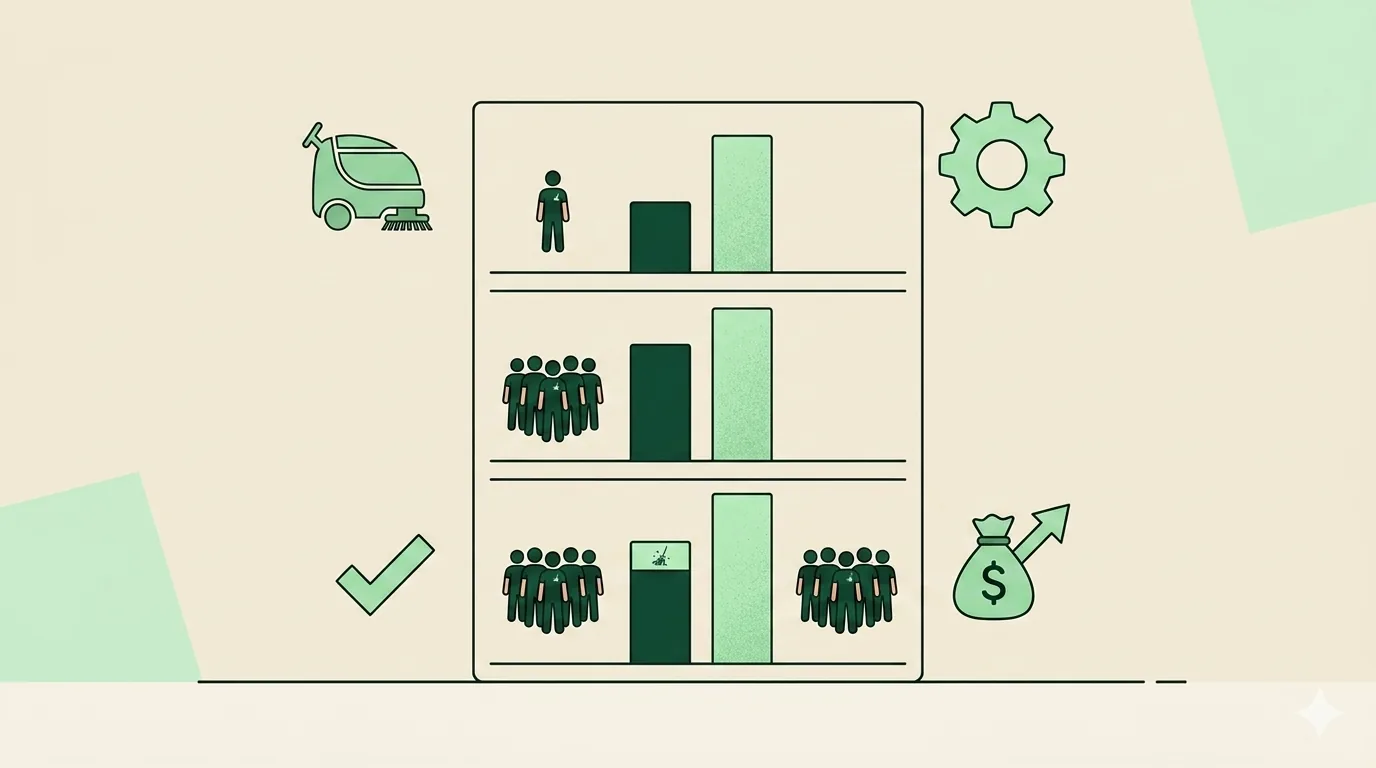
Both pricing pages, pulled June 2026. Jobber’s annual-billing rates (monthly billing runs higher: $49 Core, $139 Connect, $199 Grow, $699 Plus):
| Team size | Jobber plan that fits | Jobber, annual billing | CleanerHQ at $19/seat |
|---|---|---|---|
| Solo | Core (1 user) | $29/mo | $19/mo |
| 5 staff | Connect (5 users included) | $99/mo | $95/mo |
| 15 staff | Grow (10 users) + 5 extra at $29 | $294/mo | $285/mo |
Read the table honestly: the subscription gap is modest. Nobody should switch software over $9 a month.
The structural difference is feature gating. On Jobber, QuickBooks Online sync, automated reminders, and time tracking start at Connect; job costing, two-way customer texting, and workflow automations require Grow. Owners regularly buy a tier above their headcount to get one feature, the “Core is a trap” pattern that shows up in reviews. CleanerHQ has one price and every feature at every seat count, so a 3-person company gets the same margin analytics as a 30-person one.
CleanerHQ needs a card to start its 14-day trial. Check Jobber’s website for its current trial terms. Always check both live pricing pages before deciding, these numbers move.
The payment-processing line nobody puts in the comparison table
You’ll pay card-processing fees with either product. The difference is who sets the rate and who owns the account.
Jobber Payments’ rates are set by Jobber. The company no longer publishes a flat rate on its pricing page as of June 2026 (instant payouts cost an extra 1%); reviewer-documented rates in early 2026 were about 2.9% + $0.30 per card transaction and 1% for ACH. Check current rates, but you can’t shop them, because processing is bundled.
CleanerHQ uses a bring-your-own-Stripe model: you connect your own Stripe account, pay Stripe’s published rates, and CleanerHQ adds zero markup. Money settles to your Stripe account, which stays yours, with its history and saved cards, even if you leave CleanerHQ.
Scale matters here. CleanerHQ’s own analysis estimates that on $30,000 a month of card volume, the processing line runs roughly $10,400 a year at typical platform rates, several times the software subscription itself. The question isn’t whether you pay processing; it’s whether you control the account and the rate negotiation as your volume grows.
Switching from Jobber without losing client history
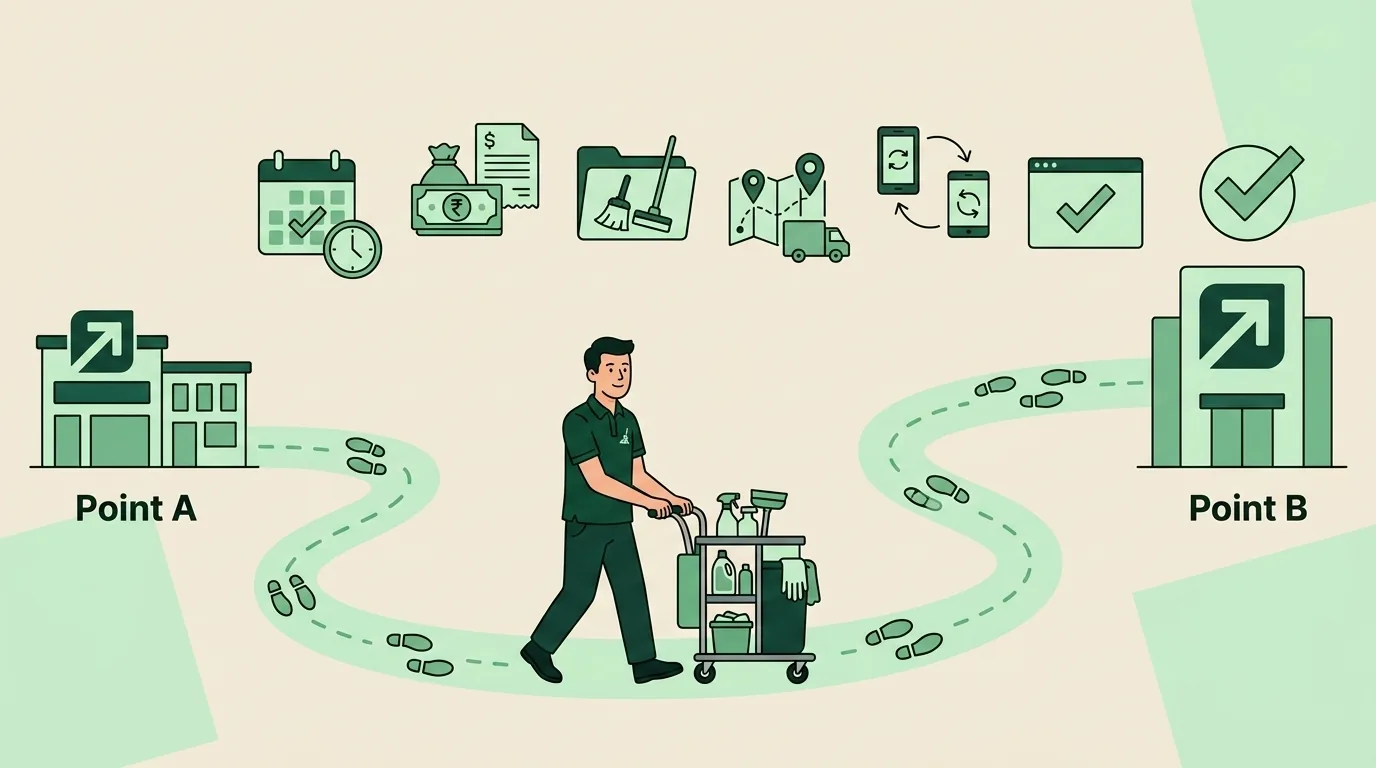
The migration fear is overstated. Here’s the sequence that works:
- Export from Jobber. Clients and properties export to CSV from Jobber’s admin.
- Import into CleanerHQ. The CRM takes CSV imports and flags duplicates automatically, so a messy export doesn’t create a messy database.
- Rebuild recurring schedules. Recreate each recurring client’s pattern with their skip dates and preferred day/crew. This is also the moment to capture gate codes, pet notes, and parking instructions as structured client notes instead of a comments field.
- Connect your Stripe account. Payment links start working immediately; cards can be saved on file going forward.
- Run parallel for two weeks. New quotes and bookings go into CleanerHQ; in-flight Jobber jobs finish in Jobber. Two weeks is enough to trust the new system without double-entering everything.
- Cancel Jobber before your renewal date. Cancellation requires contacting their team (a documented friction point as of early 2026), so don’t leave it to the last day.
Pick a slow week. Most 5-15 person teams complete the whole move inside a month.
Who should pick which
Pick Jobber if:
- You run multiple trades, cleaning plus landscaping, junk removal, handyman work, and want one tool for all of them.
- You need native QuickBooks Online sync today, or a specific integration from its marketplace.
- Your crews work in rural dead zones and need the offline mode Jobber shipped in January 2026.
- The brand, community, and Academy content are worth a premium to you. For many owners they legitimately are.
Pick CleanerHQ if:
- Cleaning is the whole business and you want estimating, routing, and analytics that speak square footage and production rates.
- You’re crew-heavy, where per-seat math and all-features-included pricing beat tier gating.
- You want proof-of-work enforcement, per-job margin, and phantom-hour protection without buying a top tier.
- You process meaningful card volume and want to own your Stripe account with zero platform markup.
- Hiring, training, and a multilingual crew are daily realities, not edge cases.
Pick neither yet if you’re under roughly $8-10K in monthly revenue with one or two cleaners. Operator benchmarks put the software-adoption trigger around that point, below it, see our guide to free cleaning business software and graduate when the leakage math says so.
For a wider look at the field, our 10-tool cleaning software comparison covers ZenMaid, Swept, and the rest, and we’ve done the same honest head-to-head for CleanerHQ vs Housecall Pro. The full feature walkthrough lives on the CleanerHQ platform page, and our cleaning business software pillar guide explains the whole category.
Ready to compare with your own numbers? Start a free trial, card needed for the trial, and run one real week of jobs through it.
Frequently Asked Questions
Is Jobber good for cleaning businesses?
Yes, Jobber is polished, easy to learn, and its Client Hub portal is genuinely excellent. The gaps for cleaning companies are structural: no square-footage pricing engine, no route-density view, no per-visit profitability alerts, and no hiring tools. If cleaning is one of several trades you run, Jobber fits well. If cleaning is the whole business, a vertical tool covers more of your day.
How much does Jobber cost for a cleaning business in 2026?
As of June 2026, Jobber’s annual-billing prices are Core at $29/month (1 user), Connect at $99/month (5 users), Grow at $149/month (10 users), and Plus at $529/month (15 users), with extra users at $29/month each. Monthly billing runs $49 to $699. A 14-day free trial is included. Check Jobber’s pricing page for current rates.
What does CleanerHQ cost compared to Jobber?
CleanerHQ is $19 per seat per month with every feature included, no tiers (verified June 2026; check the live site). A 5-person team is $95/month versus $99 for Jobber Connect on annual billing; 15 staff is $285 versus about $294 on Jobber Grow with extra seats. The bigger difference is gating: Jobber reserves job costing, automations, and two-way texting for higher tiers.
Can I switch from Jobber to CleanerHQ without losing my client list?
Yes. Export your clients from Jobber as a CSV and import them into CleanerHQ, which flags duplicates automatically. Rebuild recurring schedules with skip dates and preferred crews, connect your own Stripe account, and run both systems in parallel for about two weeks. Most teams finish inside a month. Start your Jobber cancellation before the renewal date, since it requires contacting their team.
Does CleanerHQ mark up payment processing?
No. CleanerHQ uses a bring-your-own-Stripe model: you connect your own Stripe account, pay Stripe’s published rates, and CleanerHQ adds zero markup. Payments settle to your Stripe account, which you keep even if you change software. Platform payment products set their own rates, reviewers documented about 2.9% + $0.30 per card transaction for Jobber Payments in early 2026.
What does Jobber do better than CleanerHQ?
Brand, ecosystem, and breadth. Jobber has a curated marketplace of roughly 60-80 integrations plus an API on every plan, a large owner community, offline mobile mode shipped in January 2026, and native QuickBooks Online sync. It also serves 50+ trades, so multi-service companies can run everything in one tool. Those are real advantages a cleaning-only platform doesn’t try to match.

Written by
Rashdi has spent 15+ years building and managing enterprise software, and has worked with US cleaning businesses since 2006. He founded CleanerHQ.