Cleaning Business Quality Control: Inspections That Scale
Quality control for a cleaning business runs on three mechanisms: a 100-point inspection scoring rubric, an inspection cadence covering roughly 20-30% of jobs weekly (a common operator benchmark), and photo proof-of-work attached to every job. Score the work, coach from the scores, and send clients the results, because clients leave over inconsistency, not price.
 CE CleanerHQ Editorial
·
July 2, 2026
·
11 MIN READ
CE CleanerHQ Editorial
·
July 2, 2026
·
11 MIN READ
Quick answer
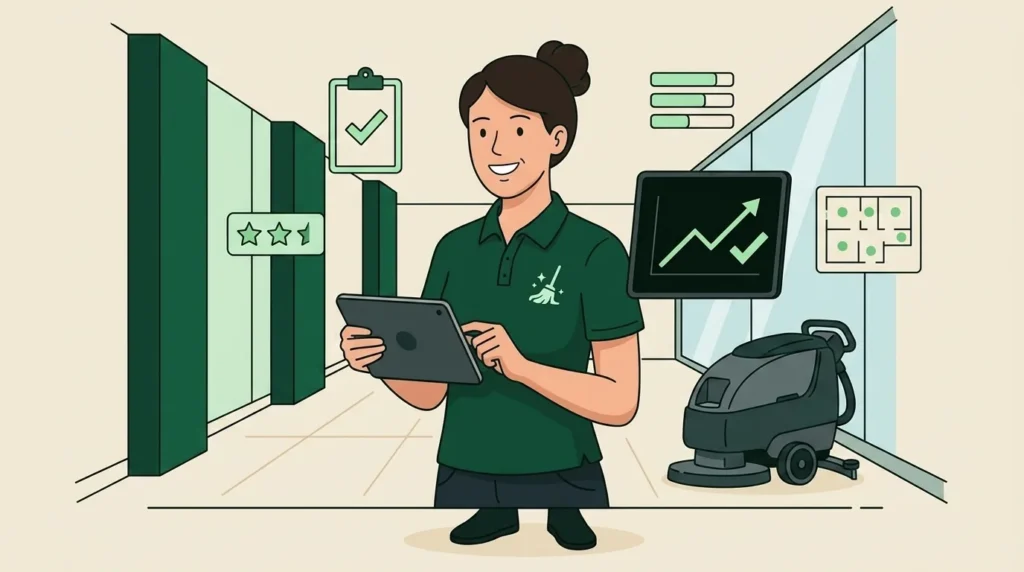
Quality control for a cleaning business runs on three mechanisms: a 100-point inspection scoring rubric, an inspection cadence covering roughly 20-30% of jobs weekly (a common operator benchmark), and photo proof-of-work attached to every job. Score the work, coach from the scores, and send clients the results, because clients leave over inconsistency, not price.
Quality control is the least glamorous system in a cleaning business and the one that decides whether you’re still serving the same clients in 2028. Anyone can deliver a great clean. A quality control system is what delivers the same clean on visit forty, performed by a cleaner you hired three weeks ago, in a building you haven’t personally seen since the walkthrough.
This guide is the working system: a scoring rubric you can copy, the three-tier inspection structure (self, supervisor, client), photo proof-of-work, and how to turn scores into coaching instead of arguments. It assumes you already run checklists and SOPs, checklists say what, SOPs say how, and quality control measures how well.
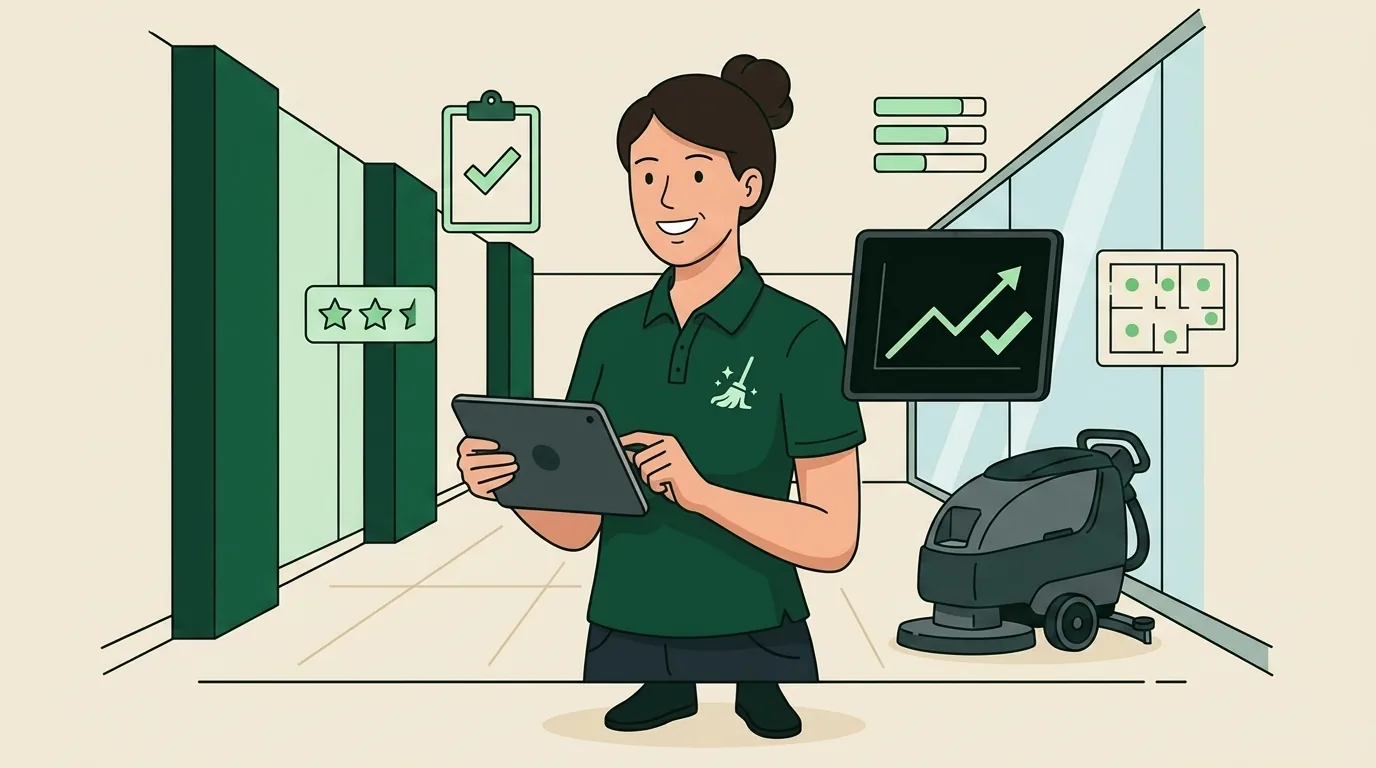
Why clients quit (it’s inconsistency, not price)
Talk to operators who’ve lost a long-term account and the story is rarely “a competitor undercut us.” It’s “the last three visits slipped, the client mentioned it once, the fourth visit slipped again, and the cancellation email cited ‘going a different direction.'”
The economics back the intuition. Veteran operators and cleaning-industry software benchmarks treat 3-8% annual rate increases as normal and absorbable, clients accept paying more for service they trust. What they don’t absorb is variance: the restroom that was spotless in January and ignored in March. Price is a negotiation; inconsistency is a verdict.
Variance has a precise cause. As you grow from doing the work yourself to running crews, the founder’s eyes stop being on every job. Whatever standard lived in your head either becomes a measurable system or degrades into “whatever each cleaner thinks is fine.” Most complaints aren’t about effort, they’re about two cleaners having two different definitions of done. (And when a complaint does land, handle it as data, not as an insult: complaint patterns are a free inspection report.)
So the goal of quality control isn’t catching lazy cleaners. It’s removing the variance between honest ones.
The cleaning business quality control rubric (100 points)
Pass/fail inspections fail at scale because everything either “looks fine” or triggers a confrontation. Scored inspections create a middle ground: a job can pass at 82 and still generate two coaching notes. Here’s a 100-point rubric built for a standard commercial or residential job, adjust zone weights to match what your clients actually complain about.
| Zone | Weight | 5, excellent | 3, acceptable | 1, fail |
|---|---|---|---|---|
| Restrooms / bathrooms | 25 | Disinfected, odor-free, stocked, floor dry and hair-free | Clean but one dispenser low or minor streaking | Visible soil, odor, or empty dispensers |
| Kitchen / breakroom | 20 | Counters degreased, sink empty and dry, appliances spot-free | Clean surfaces but appliance touch points missed | Food residue, full trash, sticky surfaces |
| Floors (all areas) | 20 | Edges and corners clean, no streaks, mats aligned | Open areas clean, edges show buildup | Debris visible, missed rooms |
| Surfaces and dusting | 20 | High-touch points disinfected, horizontal surfaces dust-free including sills | Eye-level clean, above-shoulder dust present | Visible dust at eye level |
| Detail and reset | 15 | Staging right: chairs in, supplies aligned, lights/locks per policy | Mostly reset, 1-2 details missed | Room left visibly “worked in” |
Score each zone 1-5, multiply by the weight, divide by 5. A perfect job is 100. The bands that make the number mean something:
- 90-100: pass with praise, say so out loud; recognition is a retention tool for cleaners, not just clients
- 80-89: pass with coaching notes, the normal, healthy zone
- 70-79: re-train on the failing zones within a week
- Below 70: re-clean at company cost, then root-cause it, wrong training, wrong time budget, or wrong hire
Two rubric rules from operators who’ve run these for years. First, score against the checklist and the listing standard, not against perfection, a 40-year-old building never scores like new construction, and your rubric should say so in the “what 5 looks like” column. Second, never average away a fail: a 95 overall with a failed restroom is a failed inspection, because that’s exactly how the client will score it.

Self-inspection vs supervisor vs client
A quality system that depends on one quality manager doesn’t scale, the inspector becomes the bottleneck. Mature operations run three tiers, each catching what the others miss.
| Tier | Who | Cadence | Catches |
|---|---|---|---|
| Self-inspection | The cleaner, end of every job | 100% of jobs | Skipped checklist items, obvious misses |
| Supervisor inspection | Lead or owner, scored rubric | 20-30% of jobs weekly (operator benchmark); daily for medical and other high-stakes sites | Standard drift, training gaps, time-budget problems |
| Client feedback | The client, structured | After service (quick rating) + monthly or quarterly review | What actually matters to renewal |
Self-inspection is the cheapest tier and the most underused. A final walk-through against the checklist, plus completion photos, catches most misses before anyone else can. Make it mandatory and make it fast, five minutes, same route every time, top to bottom, back to front.
Supervisor inspections should be randomized, not scheduled. Crews who know Tuesday is inspection day produce excellent Tuesdays, randomized timing produces an honest average. Weight the sample toward new hires (every job in their first weeks), new accounts (frequent inspections for the first month, while expectations are still forming), and any site with a recent complaint. An account that’s scored 90+ for a quarter can drop to a lighter rotation; a problem site stays on heavy rotation until the scores recover.
Client feedback is the tier operators flinch from and shouldn’t. A two-question pulse after service (“How did we do? Anything we missed?”) plus a standing monthly check-in for commercial accounts surfaces the slippage you’d otherwise discover in a cancellation notice. The client’s score is the only one that compounds into revenue, treat a “fine, I guess” as a 75, not a pass.
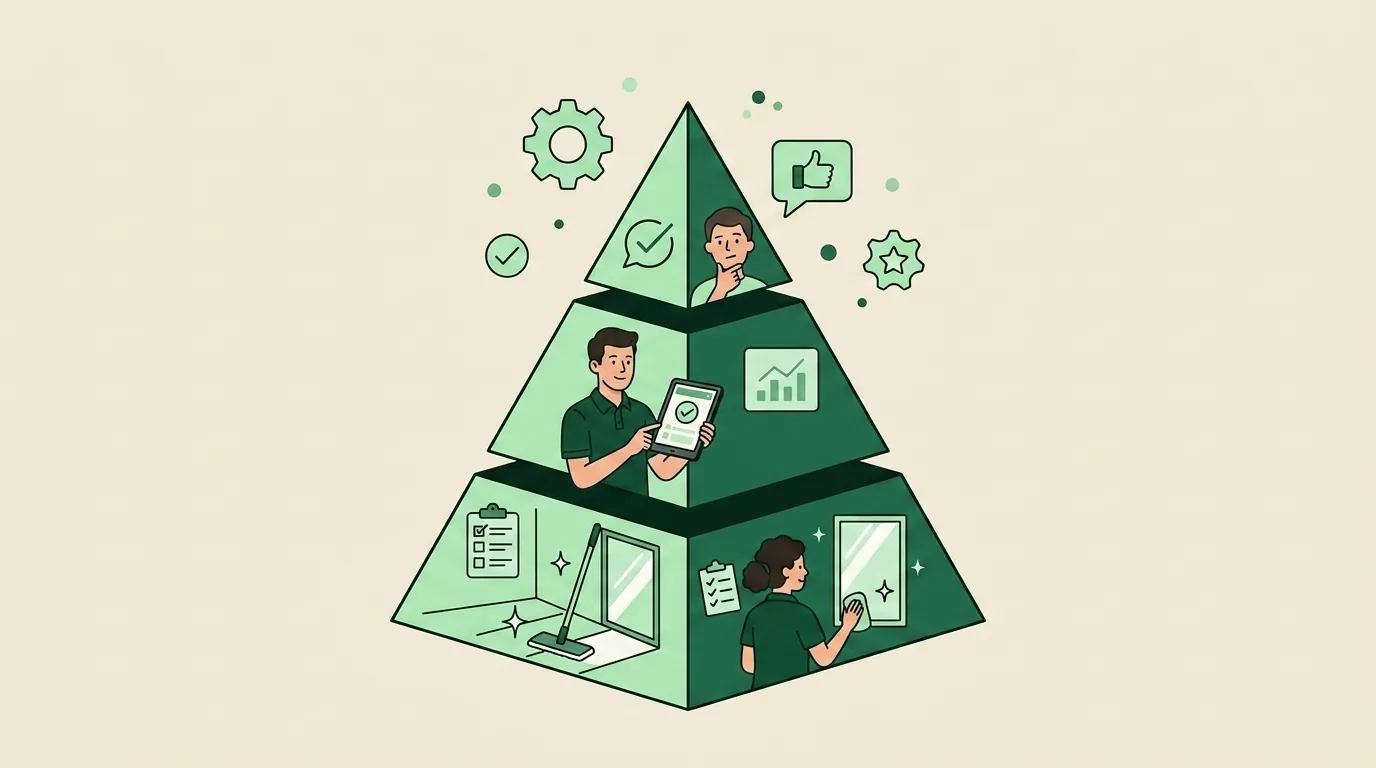
Photo proof-of-work: trust at scale
Scores tell you the work was good. Photos prove it, to the client, to the cleaner being coached, and occasionally to the insurance adjuster.
The working standard: before photos on arrival, after photos on completion, and issue photos for anything found broken or unusual, each timestamped, GPS-located, and attached to the specific job, not loose in someone’s camera roll. Commercial-only platforms like Swept built their reputation partly on exactly this scored-inspection-plus-photos discipline; in commercial janitorial it’s the mechanism that wins contract renewals. The same discipline works at residential scale, where the client is rarely home to see the work.
The collection math makes the case on its own: operators running digital proof-of-work, GPS-verified time plus photo evidence, commonly report collecting on roughly 95% of billings, while undocumented operations leak 5-10% of revenue to disputes. One avoided “we’re not paying for Tuesday” conversation per quarter pays for the system.
This is the layer where software stops being optional. CleanerHQ’s field app with proof-of-work puts the checklist, photo capture (before/after/issue), and GPS clock-in on the cleaner’s phone, and completion requirements can block a job from closing until the checklist percentage and required photos are met. Self-inspection stops being a habit you hope for and becomes a gate the job can’t skip. Scores, photos, and time data land on the same job record, so a supervisor can audit any job remotely instead of driving to 30% of them. Start a free trial (no credit card required), and run this rubric on your next ten jobs; it’s one module of a complete cleaning business software platform.
One honest caveat: photos verify completion, not hygiene. For medical or food-service accounts where “looks clean” isn’t the standard, ATP meters (which measure biological residue on surfaces) add an objective layer photos can’t. For everyone else, photos plus a scored rubric cover 100% of what the client can perceive.
Coaching from scores, not vibes
The fastest way to make cleaners hate quality control is to use it as a gotcha. The fastest way to make them advocates is to use it as the thing that makes praise specific and raises fair.
- Trend per cleaner, not per incident. One 74 is a bad day. Three 74s in the same zone is a training gap, fix it with a targeted session on that SOP, not a general lecture. Our employee training program guide covers the re-certification loop.
- Watch the rework rate. Operators commonly treat re-cleans above roughly 5% of jobs as a system alarm: bad time budgets, thin training, or a hiring problem, not a lazy-cleaner problem.
- Tie scores to recognition, not just correction. Operators report meaningful turnover reductions from structured recognition programs, and in an industry where replacing one cleaner costs about $4,000 by one veteran franchise founder’s math, keeping a 90-plus performer is a profit line. Score-based bonuses make “great work” a number instead of a mood.
- Show the photos in coaching. “Zone 4 scored a 2” starts an argument. The dust photo ends one. Coaching from evidence is faster and kinder than coaching from memory.
Closing the loop with the client
An inspection system the client never sees is only doing half its job. The other half is marketing.
Send commercial clients a monthly quality summary: jobs completed, average inspection score, photos from the month, issues found and fixed before they were reported. That last category is the renewal engine, every self-caught miss is proof the system works. Residential clients get the lightweight version: completion reports with photos after each visit.
Then use the record at the two moments that decide revenue. On complaints, respond within 24 hours with the job’s photos and checklist in hand, half the time the documentation resolves it, and the other half it focuses the fix. And at rate-increase time, a year of scored, photographed, self-correcting service is the difference between “please don’t leave” pricing and a confident 3-8% annual adjustment, the band industry software benchmarks treat as standard.
Quality control isn’t overhead. It’s the proof your price is honest.
Frequently Asked Questions
How do you measure cleaning quality?
Use a weighted, zone-based scoring rubric instead of pass/fail. Score each zone (restrooms, kitchen, floors, surfaces, detail) 1-5 against written standards, weight by client impact, and total to 100. Bands make scores actionable: 90+ is excellent, 80-89 passes with coaching, 70-79 triggers retraining, and below 70 means a re-clean at company cost.
What percentage of cleaning jobs should be inspected?
A common operator benchmark is supervisor-inspecting 20-30% of jobs weekly, randomized rather than scheduled. Weight the sample toward new hires (every job in their first weeks), new accounts (frequent inspections in the first month), and any site with a recent complaint. High-stakes sites like medical offices warrant daily checks; cleaners self-inspect 100% of jobs.
What should a cleaning inspection checklist include?
Five scored zones: restrooms (highest weight, they drive the most complaints), kitchen/breakroom, floors including edges and corners, surfaces and dusting including high-touch disinfection, and detail/reset items like staging and locks. Each zone needs a written description of what excellent, acceptable, and failing look like, so two inspectors produce the same score.
What is a good cleaning inspection score?
On a 100-point weighted rubric, 90+ is excellent, and 80-89 is the normal healthy band, passing with a coaching note or two. Scores of 70-79 should trigger retraining within a week, and below 70 means re-cleaning at company cost. One rule overrides the total: a failed critical zone (like restrooms) fails the inspection regardless of the overall number.
How do you maintain cleaning quality with multiple crews?
Replace in-person supervision with proof-of-work: digital checklists completed on a phone, GPS-verified clock-in and clock-out, and timestamped before/after photos attached to every job, with completion gates that stop a job from closing until checklist and photos are done. Supervisors then audit remotely and reserve site visits for randomized scored inspections of 20-30% of jobs.
Why do cleaning businesses lose clients?
Inconsistency, far more often than price. Clients absorb the 3-8% annual rate increases industry benchmarks treat as standard, but a quality slide across two or three visits reads as a verdict, and most cancellations arrive after a complaint was mentioned once and repeated. A scored inspection system catches the slide before the client has to.
Stop estimating from gut feel. Start estimating from your last 90 days.
 CE
CE